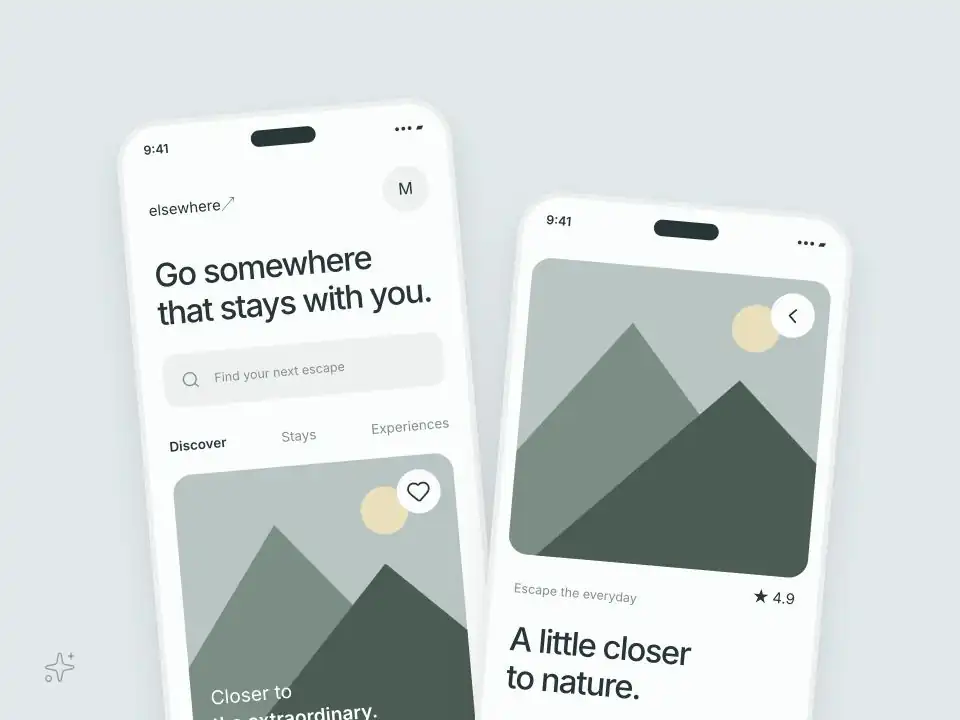
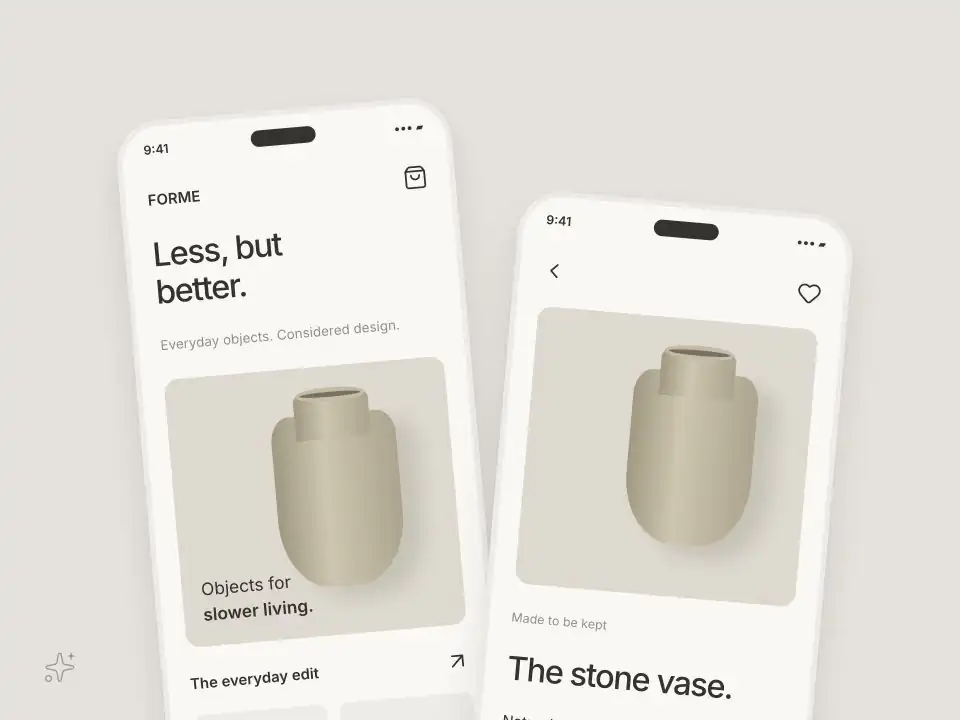
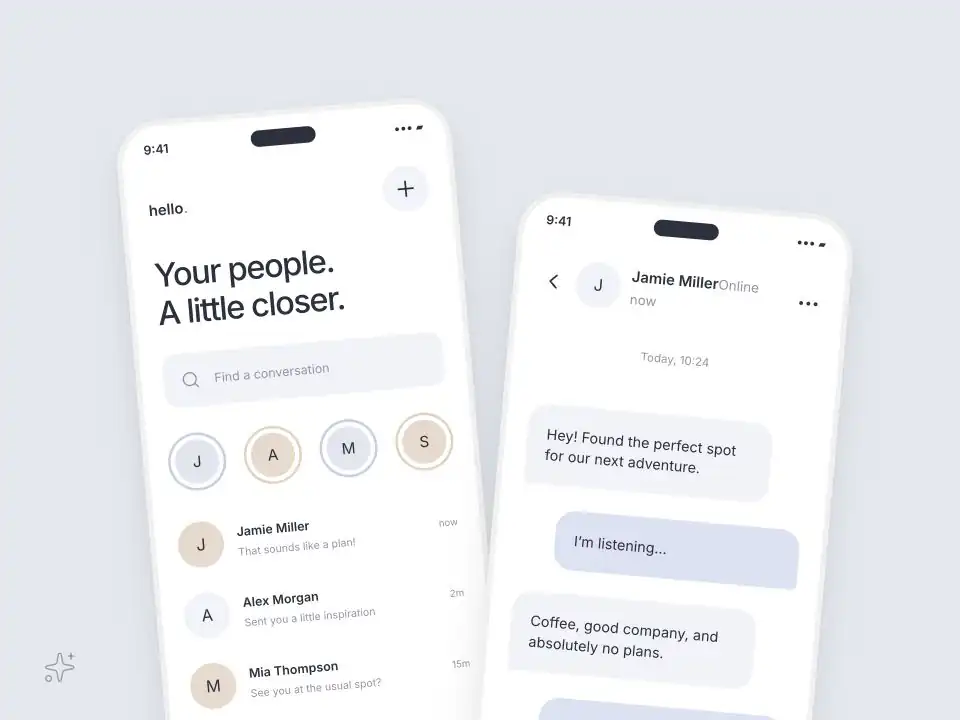
Build Flutter apps faster with reusable components, themes, and templates with FluttyUI

FluttyUI gives your team a solid component library. In addition, you get ready templates and an easy theme generator. Plus, setup stays simple.

Theme tokens that scale

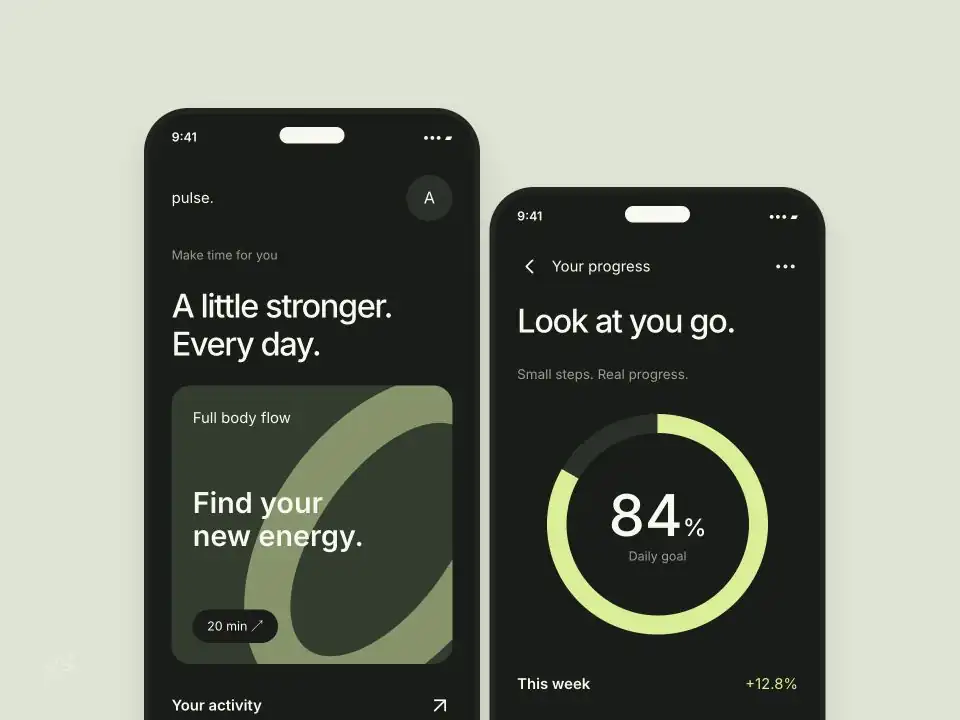
First, build one theme system for color, spacing, type, and radius. So every screen looks consistent. Also, updates stay easy.

Components for every screen

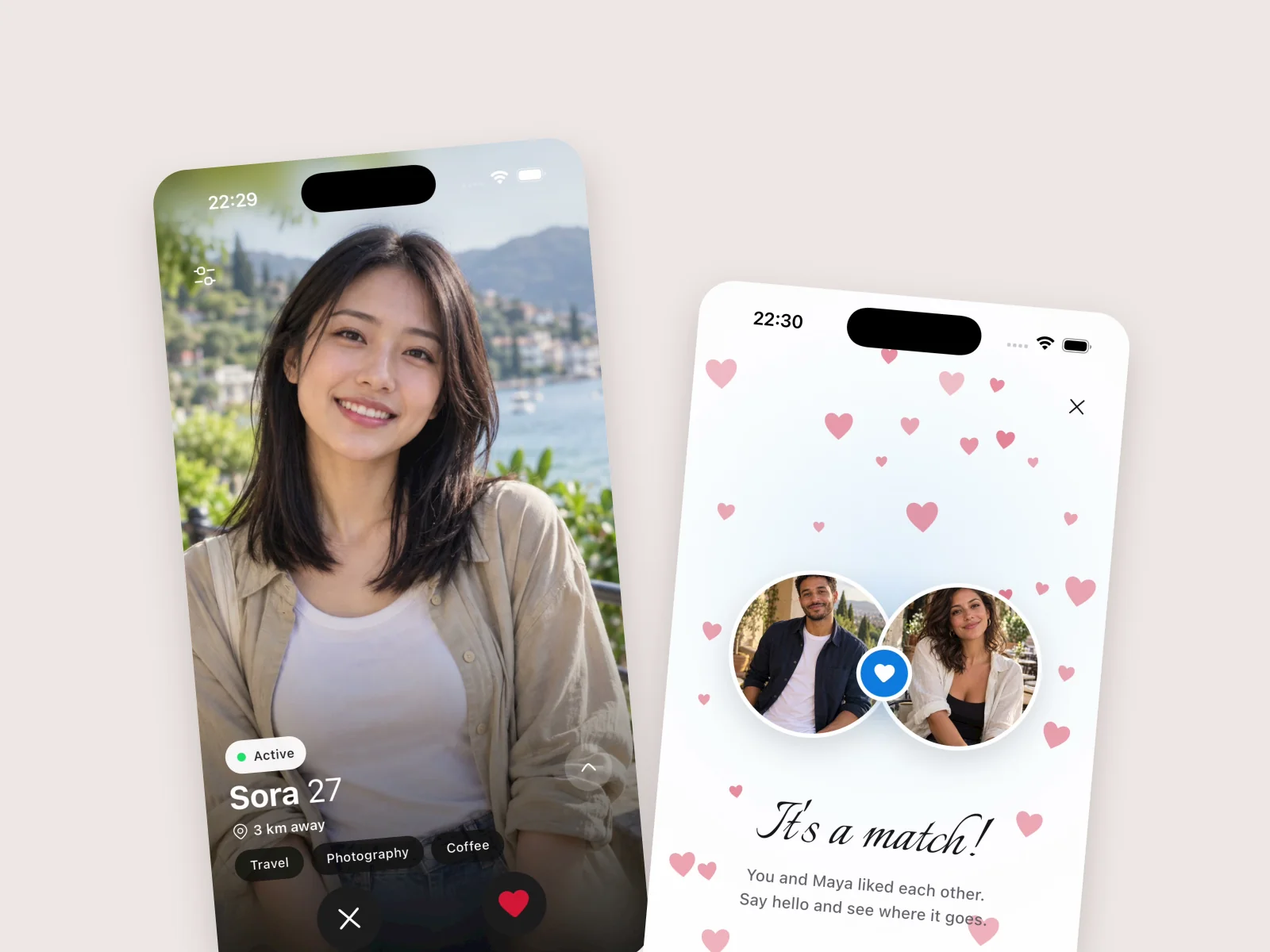
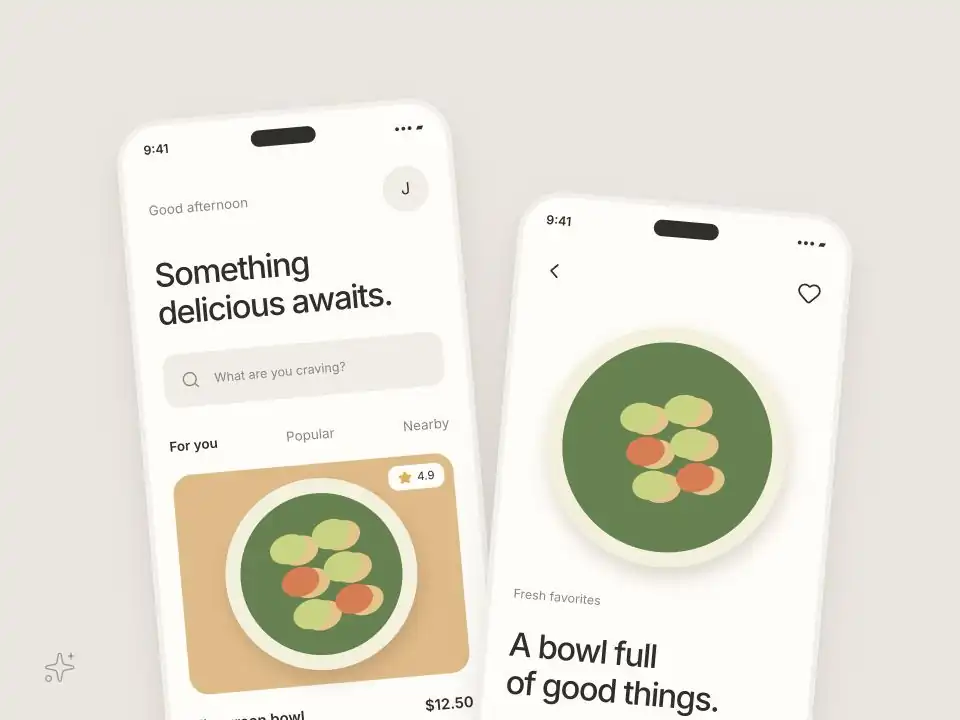
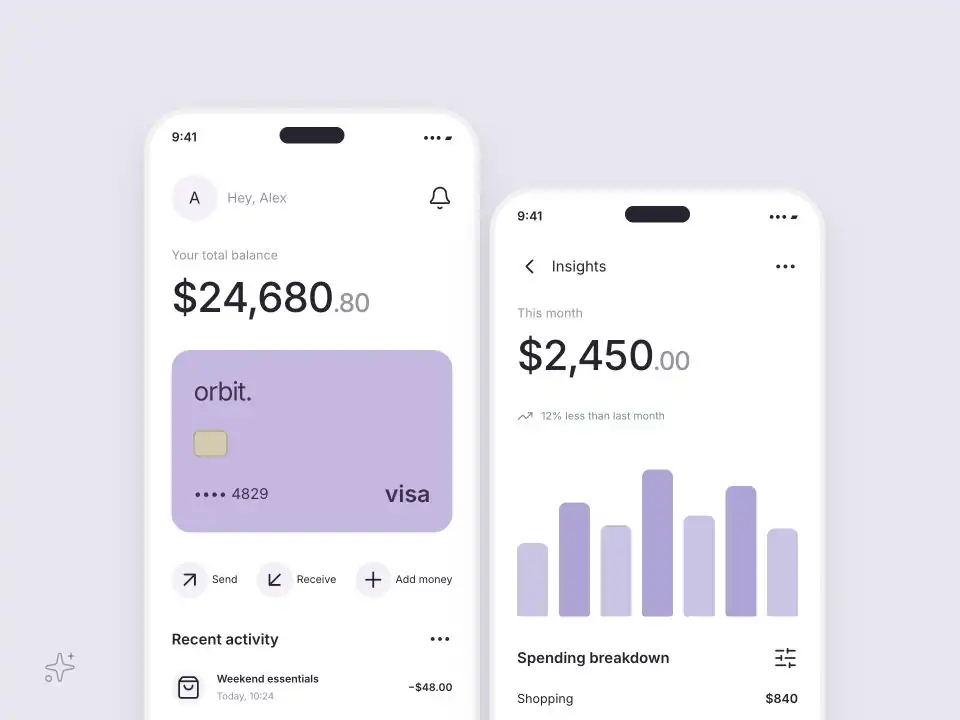
Next, ship clean components for mobile, tablet, and desktop. Also, keep one clear look. In short, your UI stays neat.

Developer-friendly library

Then, use a clear UI library with simple docs and clear APIs. Likewise, your team ships faster.

Templates you can customize

Finally, start with Flutter templates. Then edit each screen. After that, launch fast.

Support FluttyUI 

Teams use FluttyUI to save time on UI work. Plus, support helps us ship more docs, components, and templates each month. Moreover, the library improves faster. Because of that, updates land faster.

Open Collective

Fund maintenance, docs, and long-term improvements.

Stripe

Contribute directly with card payments.

FluttyUI is

a complete UI toolkit, 

not just another widget 

package

FluttyUI Core

To start, this is a modern component library for teams that ship real apps. Also, it is easy to use. However, it stays powerful.

Flutty CLI

Also, start projects and install components. Then keep your UI stack in sync. Before release, check each screen.

Theme Generator

Meanwhile, create and export theme tokens for color, type, spacing, and radius. Then keep styles in sync. Afterward, export and ship.

Template Store

After that, start from tested templates and app flows. Finally, skip building screens again. In the end, you save time.

Community


Join builders. Then share patterns, template ideas, and theme workflows for real product launches. Also, for example, you can share what worked in your last release. For instance, post quick tips.