Import
import 'package:flutter/widgets.dart';
import 'package:fluttyui/fluttyui.dart' as ui;
API Reference
The declarations below match the current FluttyUI source. Types are shown without the optional ui. import prefix.
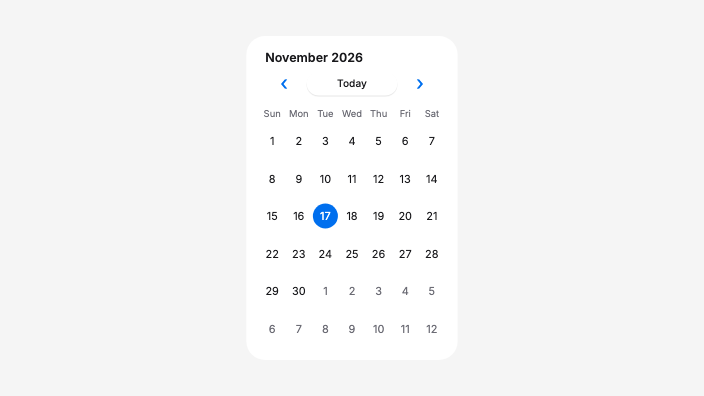
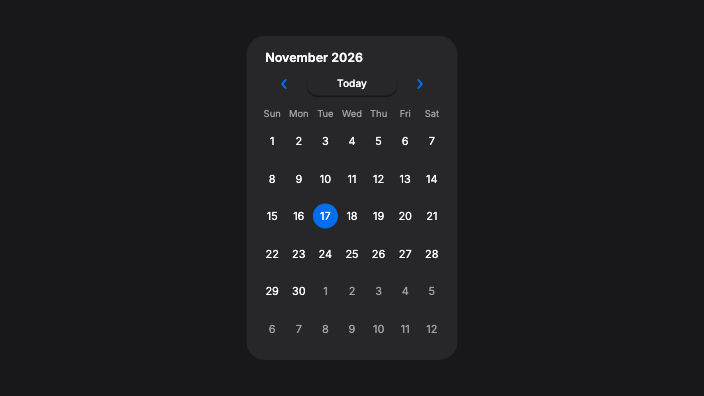
Calendar
const Calendar({
  super.key,
  this.size,
  this.selectedDate,
  this.isControlled = false,
  this.initialDate,
  this.markedDates = const [],
  this.minimumDate,
  this.maximumDate,
  this.firstDayOfWeek,
  this.onDateSelected,
  this.backgroundColor,
  this.padding,
  this.accentColor,
  this.borderRadius,
});| Parameter | Type | Required | Default |
|---|---|---|---|
key | Key? | No | null |
size | ComponentSize? | No | null |
selectedDate | DateTime? | No | null |
isControlled | bool | No | false |
initialDate | DateTime? | No | null |
markedDates | List<DateTime> | No | const [] |
minimumDate | DateTime? | No | null |
maximumDate | DateTime? | No | null |
firstDayOfWeek | int? | No | null |
onDateSelected | ValueChanged<DateTime>? | No | null |
backgroundColor | Color? | No | null |
padding | EdgeInsetsGeometry? | No | null |
accentColor | Color? | No | null |
borderRadius | double? | No | null |
Application Setup
Place components under FluttyApp to provide theme, navigation, localization, and overlay defaults. Use theme tokens for shared appearance settings.
Source
lib/src/widgets/date_time/calendar/calendar.dart
This reference is generated from the Calendar declaration in the FluttyUI core checkout. The component catalog lists the other available building blocks.